Shopify app pricing in 2026: what the top apps in each category charge

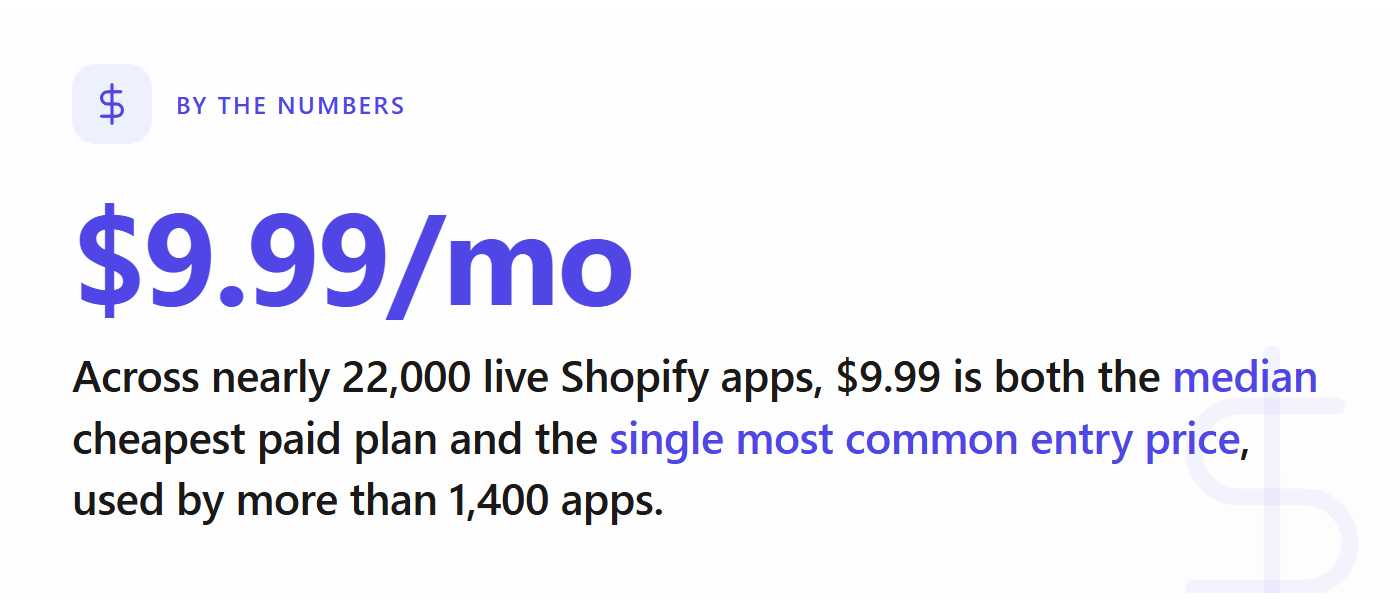
Most Shopify apps charge less than you think. Across the nearly 22,000 live apps in the store, the median entry plan (each app's cheapest paid tier) is $9.99 a month, and the single most common starting price is exactly that, used by more than 1,400 apps. The top tier on most apps tops out around $29. Pricing climbs by category, not at random: an analytics or inventory app starts roughly twice as high as a shipping or SEO app. If you are setting a price for a new app, those category bands are the number you actually need.
How Shopify app pricing actually works in 2026
A Shopify app's price lives on its App Store listing as a set of plans, and almost every one follows the same shape: an optional free or "free to install" tier, one or two paid monthly plans, and sometimes a high ceiling plan for big stores. The number that matters most for positioning is the entry paid plan: the cheapest tier a merchant can pay for. That is the price a merchant compares against when they are deciding whether your app is worth it over the free option or a cheaper rival.
There is also a structural fact worth knowing as a builder. Shopify lets developers keep 100% of their first $1,000,000 USD in gross app revenue each year, then takes a 15% share above that, with a 2.9% billing processing fee on charges (Shopify's revenue share docs). So at the prices below, your take-home is close to your sticker price for a long time (we broke the full math down in Shopify app revenue share and fees in 2026). The pricing question is not "what will Shopify leave me," it is "what will a merchant actually pay in my category."
What the top apps in each category actually charge
We pulled the live pricing from every app in our scrape and read each app's cheapest paid plan. The pattern is clear: the store has a low, sticky floor, and the category sets where you land above it.
A few category bands worth knowing, by the median entry (cheapest paid) plan:
- Shipping, SEO, discounts, product reviews: entry plans cluster around $9.99/mo. These are crowded utility categories where a free tier is normal and merchants expect cheap. More than half of SEO apps and product-review apps ship a free plan.
- Analytics, chat and support, inventory: entry plans sit closer to $19/mo. These solve an operational pain a store will pay for, and fewer of them give away a free tier (only about a third of analytics and inventory apps do).
- Dropshipping: entry plans run highest of the common categories, near $25/mo, because the app is tied directly to a store's cost of goods, not a nice-to-have.
Median entry (cheapest paid) plan by category
Median cheapest paid plan per app, from live App Store pricing (MetricHQ scrape, June 2026).
The spread inside a category matters as much as the median. In analytics, a quarter of apps start under $10 and a quarter start above $39, which tells you the category has both a budget shelf and a premium shelf. In shipping, the band is tighter (most start between $5 and $20), so there is less room to position on price alone. Reading that band before you launch is the difference between pricing on purpose and pricing on a guess.
The free-plan question is part of pricing
Whether to ship a free plan is a pricing decision, not a separate one. Store-wide, 43.8% of apps offer a free option, but the rate swings hard by category: well over half of SEO, dropshipping, email and product-review apps have a free tier, while only about a third of analytics and inventory apps do.
The builder read on this: a free plan in a category where everyone has one is table stakes, not generosity. It is how you get installed at all, and you make money on the upgrade. In a category where free plans are rare, a free tier can be a real wedge, but only if your paid upgrade is obvious. If you cannot answer "what makes someone leave free," do not ship the free plan yet.
The mistakes that cost you the most
Two pricing errors show up again and again in new listings.
The first is anchoring to the wrong number. Founders look at Loox or Judge.me, see a $49 or $299 tier, and price their new app at $29 to "undercut." But those high tiers belong to apps with thousands of reviews and years of trust. The number a new app competes against is the category's entry band and its free plans, not a mature app's premium ceiling.
The second is pricing too low to survive. When the median in your category is $19 and you launch at $5 hoping volume saves you, you have quietly capped your revenue. Our own model treats price as a real lever: charging modestly above the market shrinks conversion a little, but charging far below it just leaves money on the table without buying you meaningfully more installs. Cheap is not a strategy in a store where the floor is already $9.99.
If you are deciding whether to build in a category at all, price connects directly to that call. We wrote a fuller method for it in how to validate a Shopify app idea before you write any code, and the categories where pricing power is thinnest are usually the most saturated ones.
Set your price against your category, not the store
The store-wide $9.99 median is a useful anchor, but it is not your number. Your number is the median entry price of the established apps in your specific niche, the share of them that give away a free tier, and how far the band stretches above and below. That read changes every month as apps launch, raise prices and delist, which is exactly why a snapshot beats a memory.
The MetricHQ Market Validator does this read for you. Type in a category and it returns that niche's real market entry price (the median cheapest paid plan of its established apps), how many of them charge versus run free, and a revenue projection at the price you are considering, so you can see where your sticker price lands before you commit to it.
See the real entry price for your app's category
We scraped every app on the Shopify App Store. Check any niche for saturation, demand, and the gaps worth building, in seconds, before you write a line of code.
Price is the one decision you make before you have a single install. Make it against live data for your category, not a number you picked because it felt safe.